
There was a time when “building a computer” meant exactly that. One of my earliest computers cost £99, and it didn’t come in a box ready to plug in; it came as a bag of components. I spent hours with a soldering iron, attaching resistors and capacitors to the board and soldering in the centipede-like chips to bring it to life. You never knew if the final master piece would spring into life or not, and my parents ran the guantlet of treading on a dropped or disguarded component whenever they entered my room.
In the decades since, the industry has changed. These days, “building” a PC usually means clicking a few pre-assembled modules together, like high-tech Lego. It is actually often cheaper to buy a pre-assembled “base” unit and scavenge it for parts than it is to buy the components individually. But for my latest project I found myself returning to that original builder’s ethos. I needed something very specific, something the “off-the-shelf” market didn’t quite provide. This is the story of an AI server built specifically for testing the latest generation of local AI models. An LLM on your desktop (or in my case, in the local server cabinet).
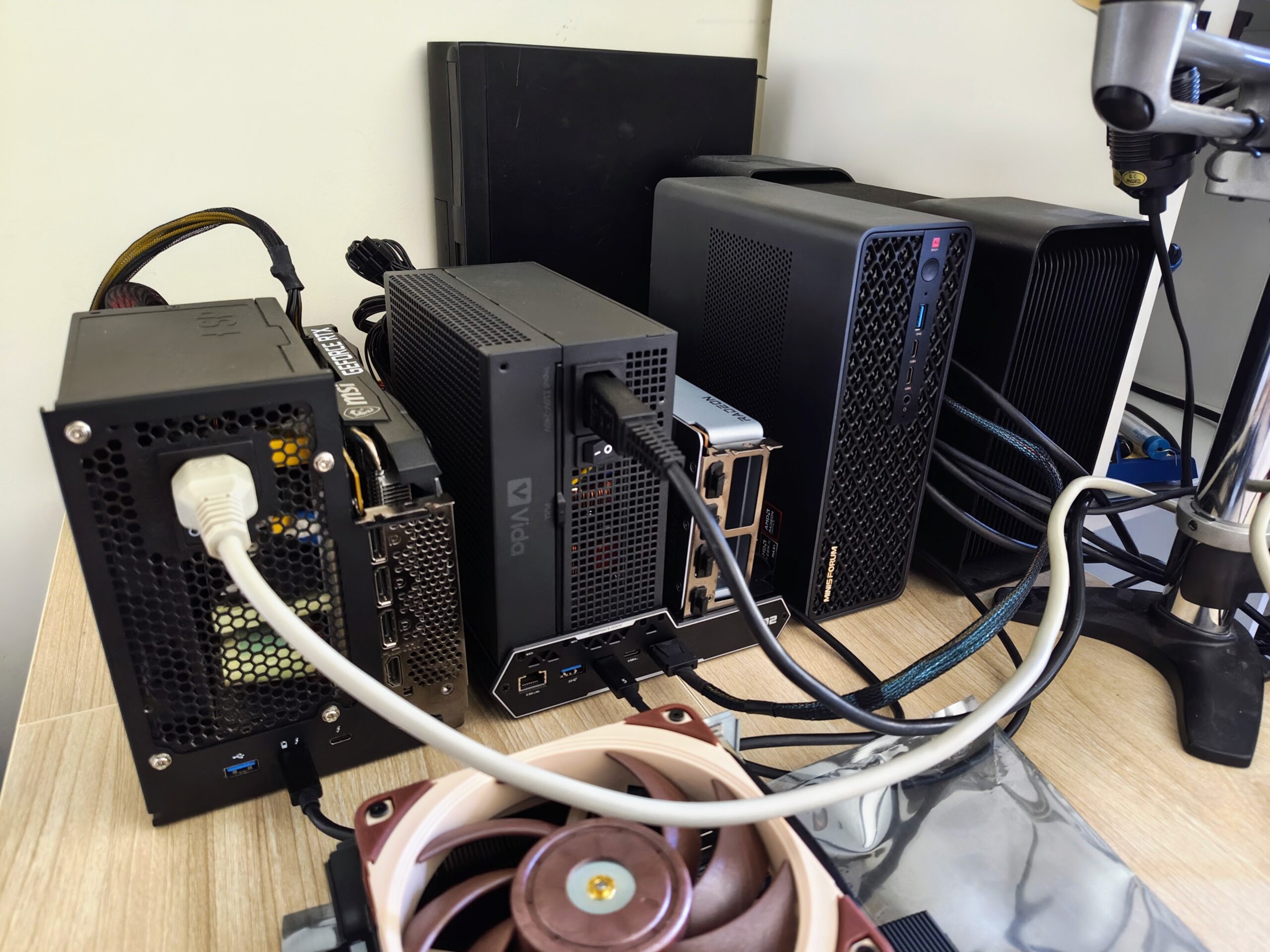
The Hardware: Open-Air Architecture
While I already have some AI workstations, thanks to both Intel and AMD, this build was about something different: efficiency and focus. It’s about reducing the environmental footprint of my AI research, as much as it is about running specific new models.
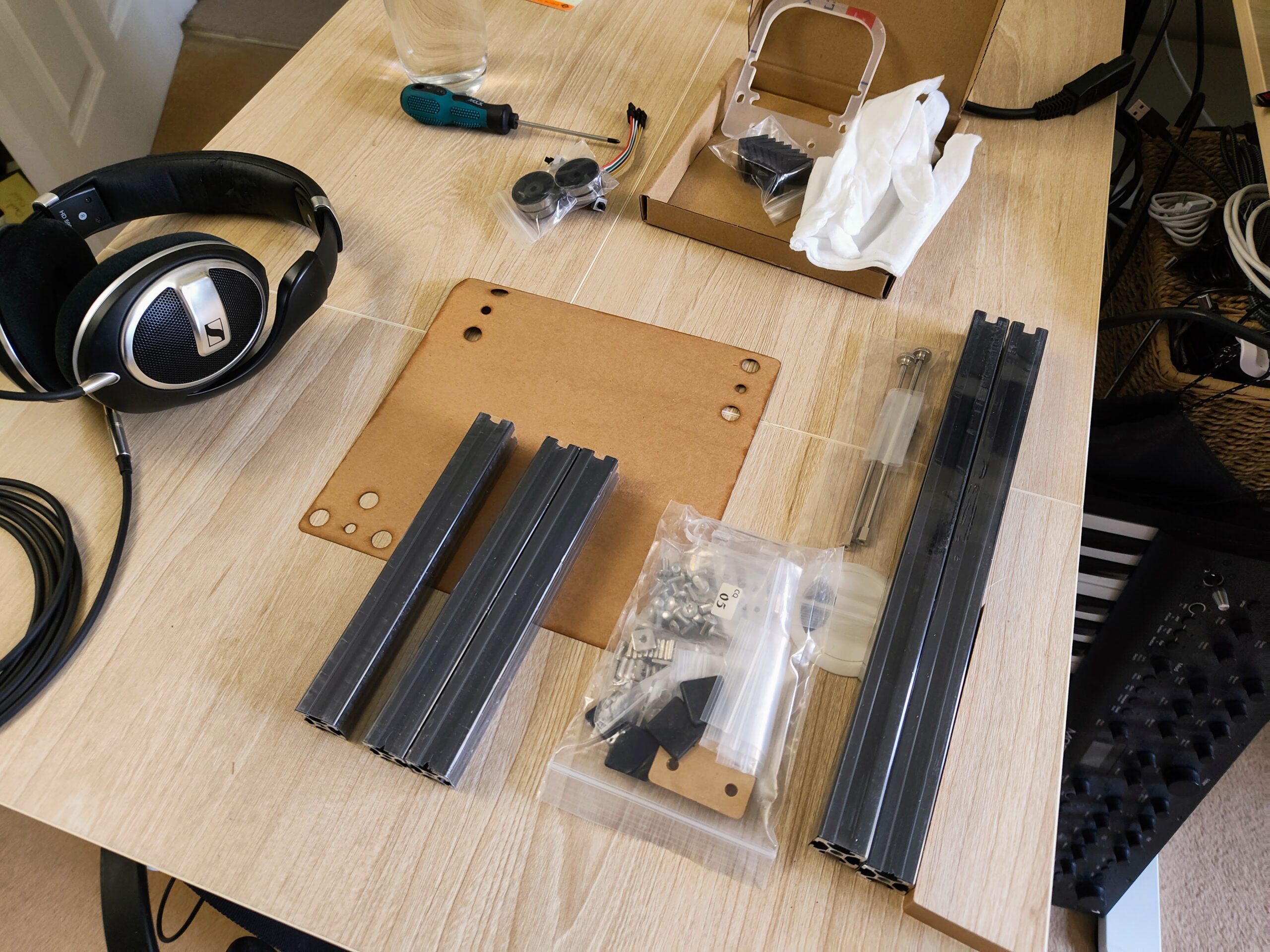
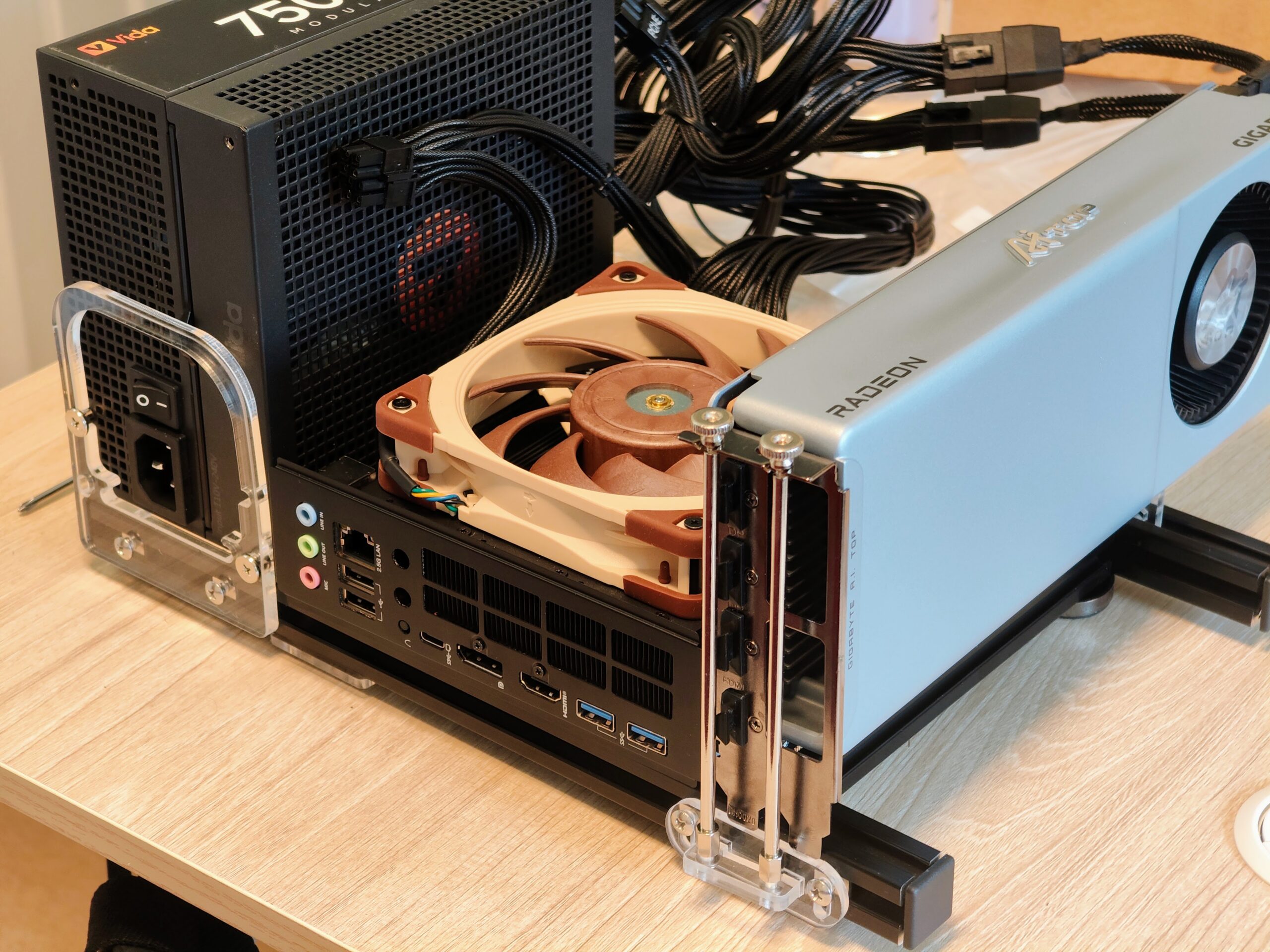
The backbone is the Minisforum BD895i SE. It’s a clever bit of engineering: essentially a high-end mobile processor on a desktop-ready ITX board. To keep it stable, I’ve ditched the traditional PC case for an open-frame design. When pushing silicon for hours of AI inference, “heat soak” is the enemy; an open frame gives the hardware the ambient air it needs to continue running at full speed and avoid thermal throttling. The open frame case isn’t much more than a few rods and screws – just enough to keep the machine off of the desk, and to balance the PGU card in the (very sturdy!) PCI slot.
To support the software running models, I’ve packed in 96GB of DDR5 RAM. Looking back, the timing was remarkably fortunate. If I were to buy that same 96GB today, it would cost a multiple of what it did a year ago, thanks to the volatility memory market in 2025/2026.
The graphics setup is a mix:
- AMD Radeon AI TOP R9700 (32GB VRAM)
- NVIDIA RTX 3060 (12GB) connected via OCuLink
The BD895i SE has a built in GPU. It is nothing to write home about, but it means that the machine can run a screen without eating into any of that precious VRAM on the AMD and NVIDIA cards. The PSU was left over from an old faulty server.
The Software Pivot: Why Lemonade?
Hardware is only half the story. I’ve recently moved to using Lemonade as the primary server layer. Lemonade is a tiny binary (less than 10MB) that handles AI workloads, wrapping some of the less user-friendly underlying software and drivers with a management interface that makes it easy to switch between different models and drivers. It provides the OpenAI-compatible API I need for my day-to-day tools, but without the “black box” overhead of more popular frameworks, but still allows the kind of tweaking that is needed to get the best out of local models.
What’s been most surprising is how rapidly the performance has been improving in the last few months. It handles a variety of model weights with a level of performance that previously would have required spending hours building and compiling custom code. It makes the system feel less like a local server and more like a high performance cloud LLM.
Finding the Sweet Spot
While we’re all fascinated by the 70B, 100B and 300B+ parameter behemoths, I suspect the 16GB to 32GB range will be the “sweet spot” for a models for while. It’s the territory where models are small enough to be fast, even on consumer hardware, but large enough to possess the reasoning required for agentic coding and complex logic. The 44GB of VRAM means I can run these “sweet spot” models with massive context windows, keeping the experience fluid and, crucially, private, or split between 32GB and 12GB to run co-ordinator models or encoders and work models at the same time.
The Compromise: The Single Slot Dilemma
Every custom build has its trade-offs. The BD895i really only has the one proper PCIe slot. I didn’t waste much time trying to hack together a way to occupy a non-existent empty slot; instead, I just turned one of the unused M2 SSD drive slots into an OCuLink bridge for the 3060. Despite some warnings in the forums, the performance difference is negligible compared to running the 3060 in a slot on the motherboard. For LLM workloads, once the model is loaded into the cards, the bottleneck is rarely the PCIe bus, it’s the memory bandwidth and compute on the card itself.
Final Thoughts
Building this took me back to that £99 machine. While I wasn’t soldering resistors, the aim was the same: to build something a littlebit ahead of the curve. Having this much local intelligence sitting in an open frame on my desk, running efficiently and sustainably (fueled by local solar power, re-using parts I had), feels like the right way to work.
Resources & Links
- Lemonade Server: The lightweight AI server for local inference.
- Minisforum BD895i SE: The mini-ITX motherboared .
- OCuLink Networking: The bridge for GPU expansion on compact boards.
- The Remembering Self vs. The Experiencing Self: My thoughts on how we interact with our own digital history.